
The best trading journal is the one you keep filling in, and that depends mostly on how trades get into it. Most journals fail for a simple reason: typing every trade by hand is tedious, so people stop after a few weeks and the data never becomes useful. Below are 7 trading journal apps compared on the same checks, so you can see which ones remove the typing and which ones give you the deepest reports.
The best trading journal apps at a glance
We compared 7 apps on the same checks. We make AiTradely, so it is on this list.
| App | Markets | How trades get in | Reports | AI | Starting price |
|---|---|---|---|---|---|
| AiTradelyLogging trades straight from a trade plan | Crypto, forex, gold and commodities, stocks | A log button under each plan; auto-added from cTrader or MetaTrader 5 | Win rate and a built-in journal | Yes, AI assistant | Paid plans priced by country |
| TraderSyncActive traders who want replay plus an AI coach | Stocks, futures, crypto, forex (options on Elite) | Autosync with 700+ brokers and platforms, imports | MFE and MAE, exit efficiency, risk exposure | Cypher assistant and coach | $29.95/month billed monthly |
| TradesVizData-heavy traders wanting deep stats | Stocks, options, futures, CFDs, crypto, forex | Manual, file import, auto-sync | 600+ statistics and widgets | AI review on paid plans | $0 tier; Pro $19.99/month |
| TradeZellaActive traders wanting AI review plus replay | Futures, forex, options; others not stated | Broker sync, file upload, manual | 50+ reports, replay | Zella AI | $35/month billed monthly |
| EdgewonkTraders working on psychology and discipline | Forex, stocks, futures, crypto, options, commodities | Imports from 200+ brokers | 50+ reports, Psychology Lab | Not described | $35/month billed monthly |
| TradervueReporting-focused journaling with broker sync | Stocks, options, futures, forex | Import and broker sync | Reports by time, symbol and setup | None listed | $29.95/month (Silver) |
| TradeNoteDIY traders who want open source | Not stated | Import from your broker platform | Charts, tags, filters | None listed | $0 self-hosted; cloud $4.99/month |
Everything about the other apps comes from their own websites and store pages, checked on 9 November 2026. Prices and features change, so check the app before you pay.
How we compared them
Every app got the same questions:
- How do trades get in, and how much typing is left?
- Which markets does it cover?
- What do the reports tell you that a spreadsheet would not?
- Is there any AI, and what does it actually do?
- What does it cost, and per what?
1. AiTradely: an AI assistant with a journal built in
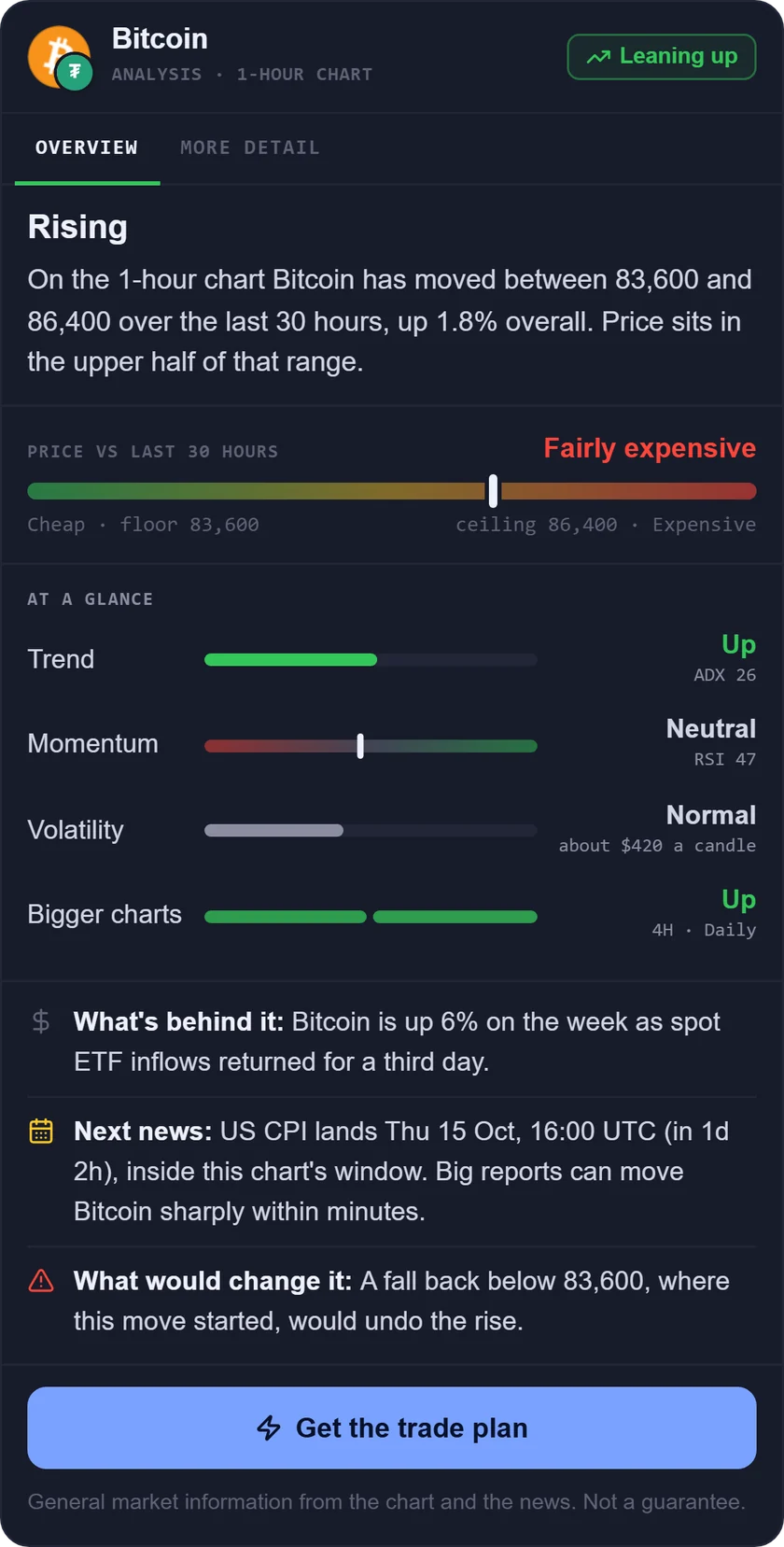
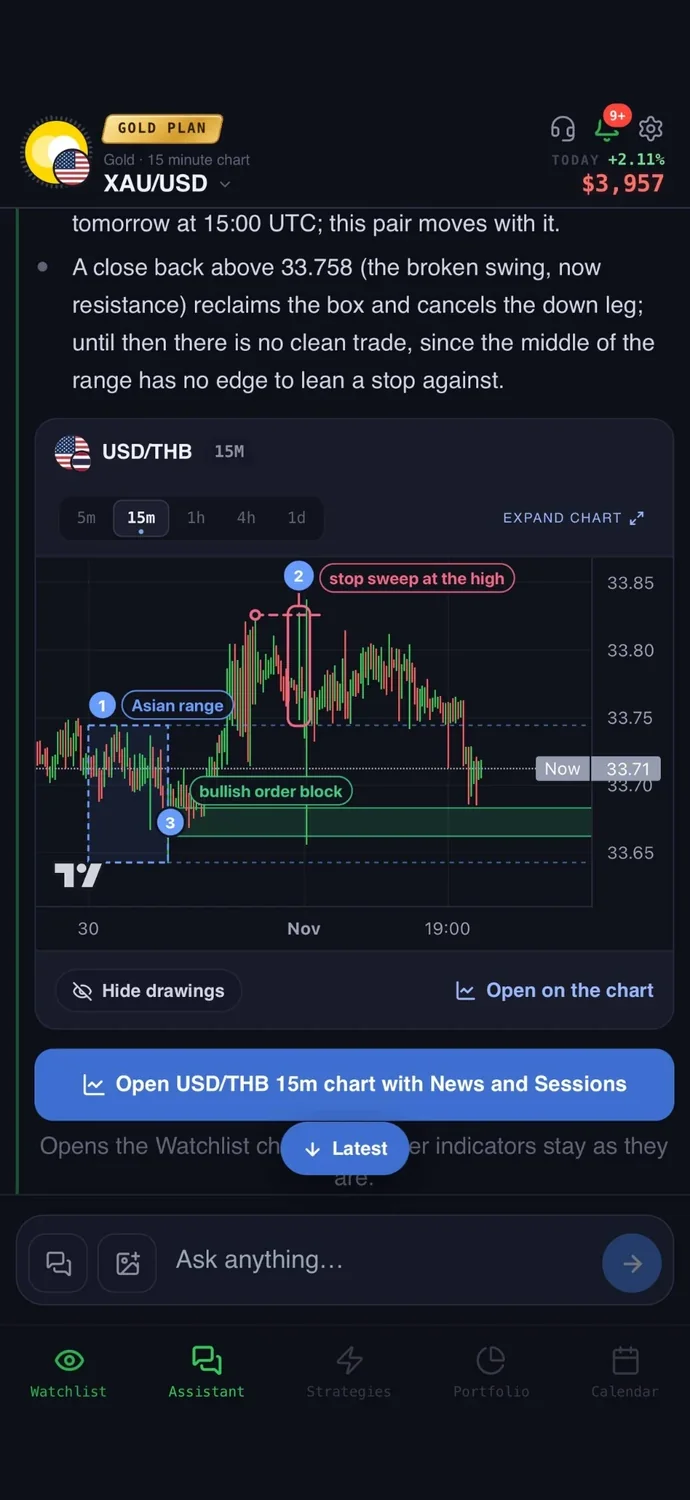
What it is: an AI trading assistant on iPhone, Android and the web. You ask about a market in your own words, and it reads live prices, indicators, today's news and the economic calendar before it answers.
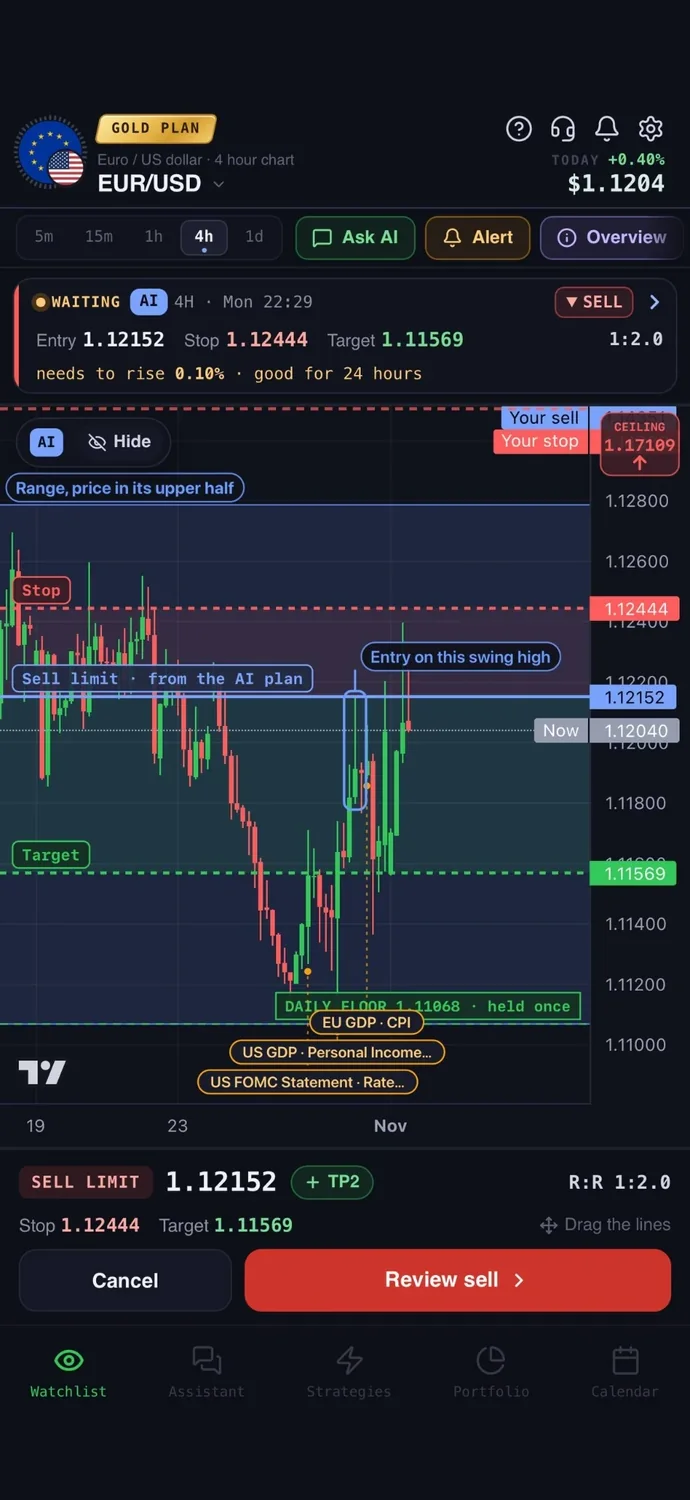
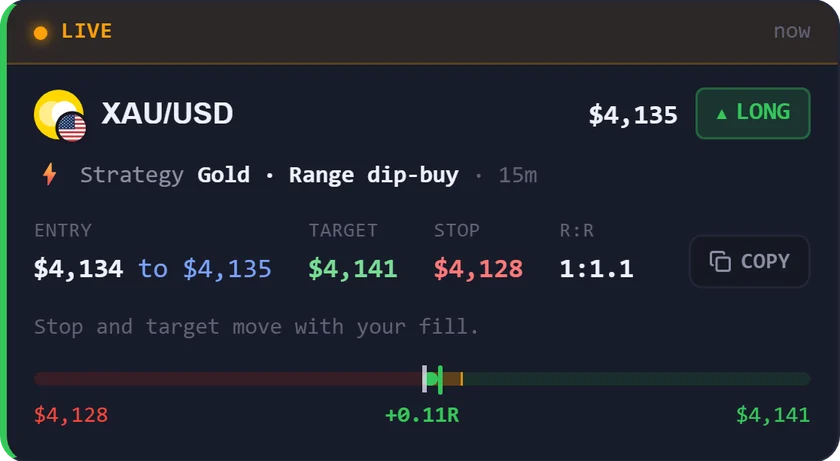
For journaling: most journals fail because typing every trade is tedious. Under every AI trade plan there is an "I took it, log the trade" button: it opens a short form with the entry, stop and target already filled in from the plan, and your win rate updates itself. Trades you place through a connected cTrader or MetaTrader 5 account are added to your journal automatically. A demo account with $10,000 of practice money lets you build the habit before you risk real money.
Easy to start: sign in with Google or Apple and type your first question the way you would ask a friend who trades. There is no code to write and nothing to set up first.
Price: your first questions and your first trade plan are on us; after that, the paid Trader and Gold plans are priced by country (see the pricing page).
Keep in mind: it is a trading assistant with a journal built in, so it has fewer journal reports than a dedicated journal app. It is an analysis tool, not a robot, and it never places a trade without your confirmation.
2. TraderSync: replay and an AI coach
What it is: a trading journal with analytics, trade replay, market replay, automated backtesting and an AI assistant called Cypher.
For journaling: it connects to over 700 brokers and trading platforms, and every plan lists autosync and unlimited imports. Reports include MFE and MAE stats (how far a trade moved for and against you), exit efficiency and a risk exposure report.
Price: billed monthly, Pro is $29.95/month, Premium $49.95/month and Elite $79.95/month. Billed annually, Pro drops to $22.46/month. Each plan has a 7-day trial.
Keep in mind: there is no $0 tier, and Pro caps the AI assistant at 5 messages a day and covers 5 accounts.
3. TradesViz: the most statistics
What it is: an online journal, analytics, simulation and backtesting platform, with web, iOS and Android apps.
For journaling: trades come in by manual entry, file import or auto-sync. It advertises 600+ statistics and widgets, custom dashboards and a trading calendar. Paid plans add AI review tools.
Price: the Basic plan is $0 with 3,000 executions a month and one trading account. Pro is $19.99/month billed monthly, or $14.99/month billed yearly. Paid plans have a 7-day trial.
Keep in mind: the $0 plan has no AI and supports stocks only. The homepage and pricing page differ slightly, so confirm the price at checkout.
4. TradeZella: AI review with replay
What it is: a trading journal that calls itself an AI trading journal, with backtesting, bar-by-bar trade replay, prop firm tracking and a community.
For journaling: trades arrive through broker sync, file upload or manual entry. It lists 50+ reports, auto-tagging, and Zella AI, which answers plain-English questions about your own trades.
Price: Essential is $35/month billed monthly, or $26/month billed yearly. Pro is $59/month and Ultra $99/month billed monthly.
Keep in mind: trade replay and Zella Agents are not on Essential, which is also limited to one active trading account. The pricing page does not mention a $0 tier or a trial.
5. Edgewonk: built around psychology
What it is: a trading journal that imports trades, analyzes performance and adds psychology and journaling tools.
For journaling: it imports automatically from 200+ brokers. Its Psychology Lab tracks mistakes and checklists, and Edge Finder scans your journal for strengths and weaknesses every Sunday. It lists 50+ customizable reports.
Price: $35 billed monthly, or $197 billed every 12 months, excluding VAT. A 14-day money-back guarantee applies.
Keep in mind: there is no free tier or trial, so the refund window is the only way to test it. Manual entry is not stated.
6. Tradervue: reports and broker sync
What it is: a web trading journal that tracks trades and analyzes performance.
For journaling: it supports import and broker sync, and the homepage mentions 80+ platform integrations. Reports break results down by time of day, symbol and tagged setup, and entries and exits show on TradingView charts.
Price: Silver is $29.95/month and Gold is $49.95/month, shown monthly. A trial is mentioned, but its length is not stated.
Keep in mind: exit performance analysis is on Gold, not Silver, and no AI features are listed.
7. TradeNote: open source and self-hosted
What it is: an open-source trading journal for storing, reviewing and learning from trades.
For journaling: you import trades from your broker platform, then tag patterns, setups and mistakes and review price charts with your entries and exits. A daily diary and annotated screenshots are included.
Price: $0 if you host it yourself, with community support. Cloud hosting is $4.99/month, with priority support and a 7-day trial that needs no credit card.
Keep in mind: supported brokers, markets and export options are not listed, and some features are marked as coming soon.
How to choose the best trading journal
- You want trades logged with the least typing, straight from a plan: AiTradely.
- You want replay and an AI coach with a very wide broker list: TraderSync.
- You want the most statistics and a $0 tier to start: TradesViz.
- You want AI review plus replay and prop firm tracking: TradeZella.
- You want to fix psychology and discipline mistakes: Edgewonk.
- You want clear reports by time, symbol and setup: Tradervue.
- You want open source and control of your own data: TradeNote.
More comparisons: the best AI trading apps, the best AI apps for gold trading, TradingView alternatives, ChatGPT for trading vs AI apps, the best forex trading apps, the best trading apps for beginners, the best crypto trading apps, the best gold trading apps, the best AI for stock trading, AI trading bots vs assistants, the best AI apps for MetaTrader 5 and backtesting without coding.
Common questions
01Which trading journals have a free tier?
Among the apps here, TradesViz has a $0 Basic tier (stocks only, 3,000 executions a month, no AI) and TradeNote is $0 if you host it yourself. Check each page for current limits.
02Is a spreadsheet or Excel journal good enough?
It works to start, and it costs nothing. The weak point is typing every trade by hand, which is exactly why most journals get abandoned. Apps that import your trades, or log them from a plan, remove that step.
03Which trading journal is best for forex, options or crypto?
TraderSync, TradesViz, Edgewonk and Tradervue list forex. Edgewonk, Tradervue and TradesViz list options, and TraderSync adds them on its Elite plan. TraderSync, TradesViz and Edgewonk list crypto. Check the exact market list before you pay.
04What should a trading journal record?
At minimum the entry, stop, target, result and a short reason for the trade. Add your position size with the position size calculator and review your risk/reward ratio over time.
How to keep a journal in AiTradely
- Sign in with Google or Apple on the app or the web.
- Ask about a market in your own words, for example whether a pair or a stock has a setup on the 1h chart.
- Read the trade plan: the entry, the stop, the target and the reasoning written out.
- Tap "Alert me" to be told when price reaches the entry, or place the order yourself on a connected cTrader or MetaTrader 5 account.
- If you take the trade, tap "I took it, log the trade" and check the form that is already filled in.
A journal only helps if the entries keep coming, so the useful test of any app is how little typing it asks for. In AiTradely, the plan-to-journal button and the demo account are the two things to use next: log a few practice trades, then look at how your win rate moves as the entries pile up.
Nothing here is financial advice. A journal shows what you did, not what the market will do next, and a small sample of logged trades can mislead you.
 AiTradelyYour AI trading analyst, in your pocketAI analysis for gold, forex and stocks. Build and backtest strategies, get signals, and trade from your own broker account.
 On your phoneScan for the app