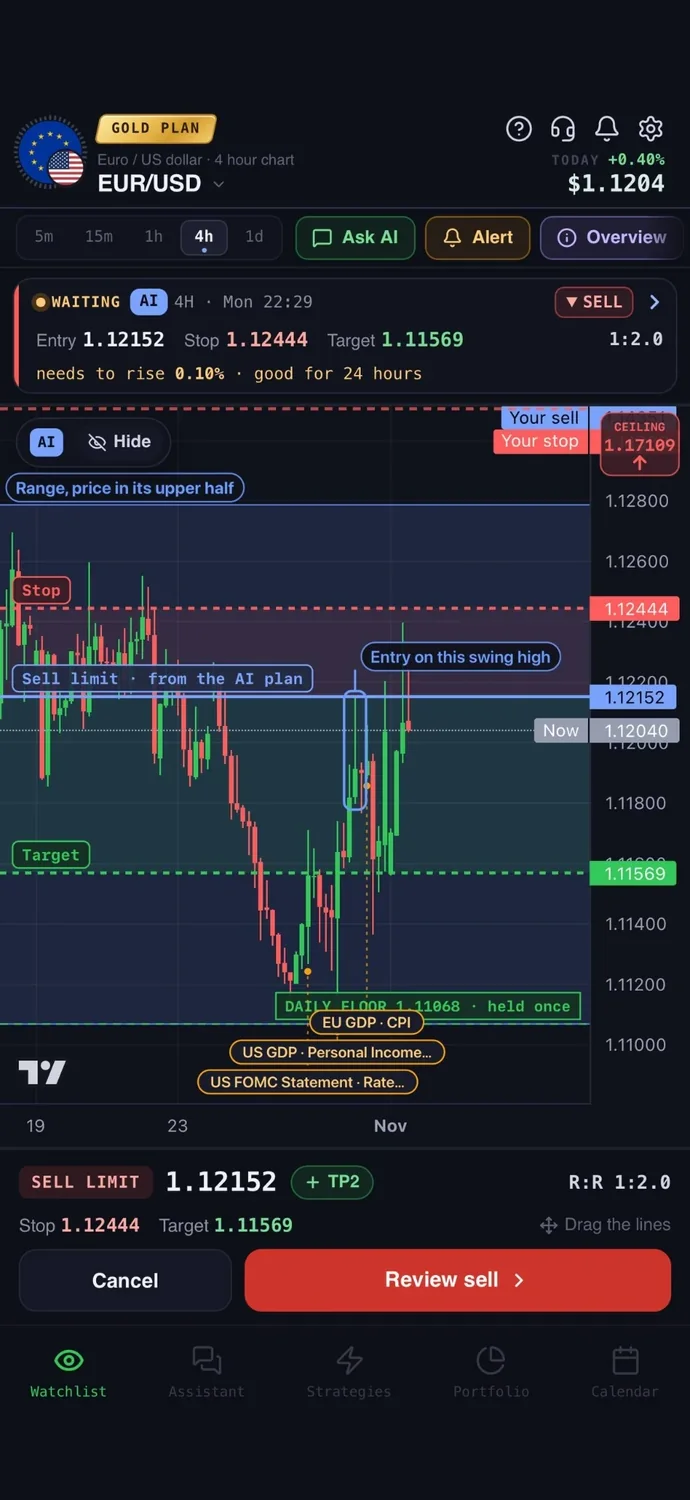

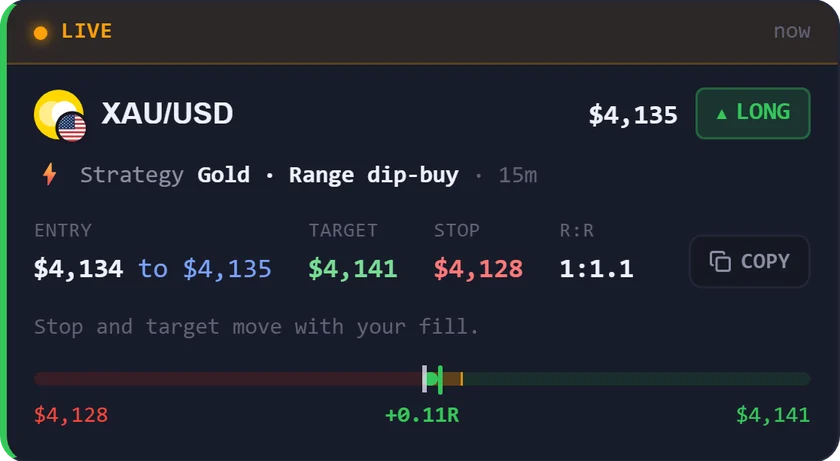
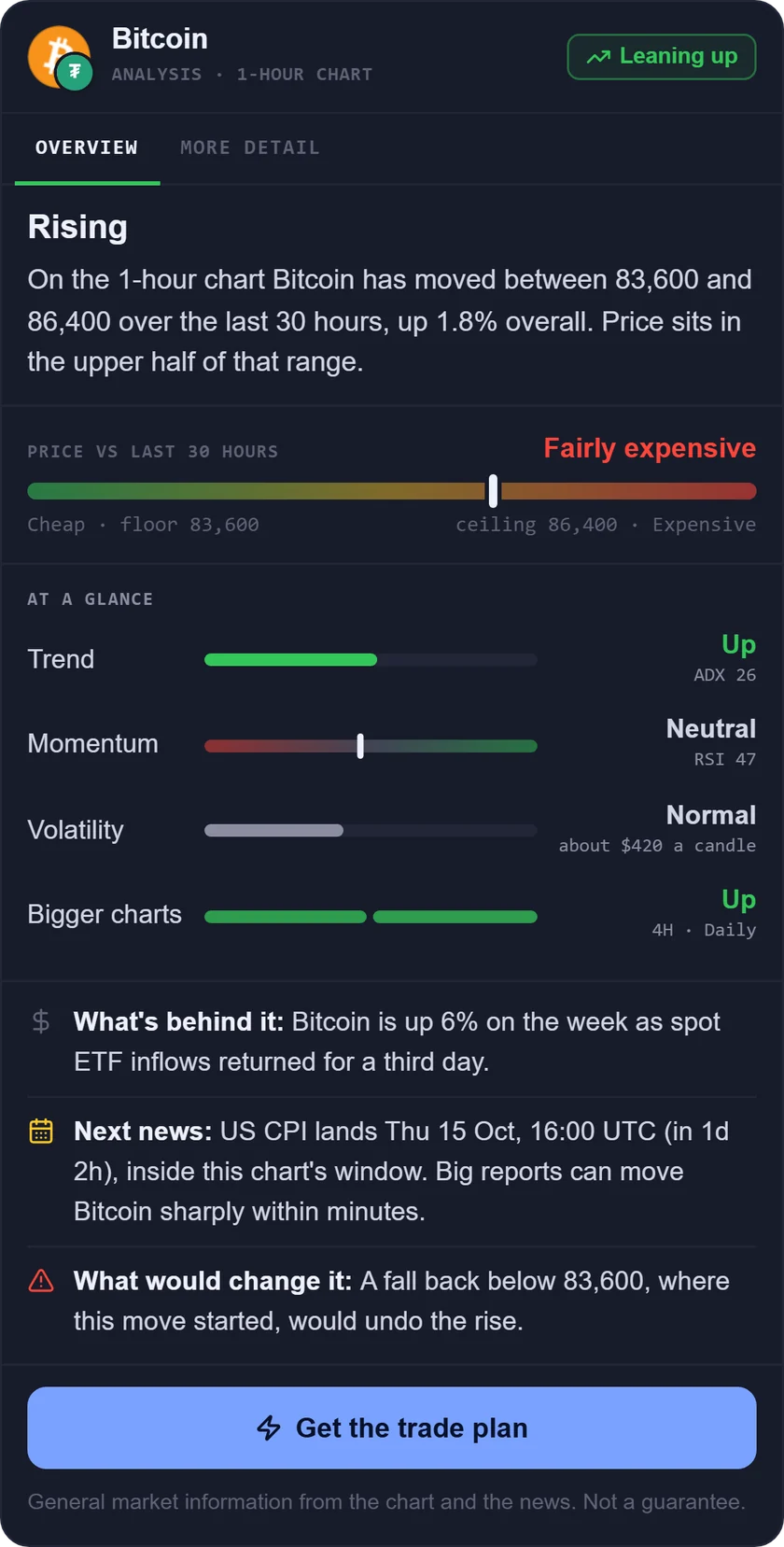
You can backtest a trading strategy without coding by describing your rule in a no-code tool, choosing a market and timeframe, and reading the results it gives back. A backtest replays your rule on past prices and shows how it would have done. It can show whether an idea behaved sensibly in the past and how painful the losing stretches were. It cannot tell you what the rule will do next.
How to backtest a trading strategy without coding
- Write the rule in one sentence. Include the entry, the exit and the stop. For example: "Buy when RSI (a momentum reading from 0 to 100) drops below 30 while price is above its 200-period moving average. Exit when RSI rises above 50. Place the stop 1.5 times the average candle range below entry." If you cannot say it in one sentence, a tool cannot test it. See what RSI is and how to use it if the indicator is new to you.
- Choose the market and timeframe. Pick the one asset you actually plan to trade and the chart you will watch, such as gold on the 1h. A rule tested on a 5-minute chart behaves very differently from the same rule on a daily chart, so test the one you will use.
- Run the test on enough history to get many trades. A rule that fired six times tells you almost nothing. Use a long enough period that it fires dozens of times, ideally across both rising and falling markets. If the test gives too few trades, loosen the rule or lengthen the period.
- Read the results. Look at five things:
- Number of trades: how many times the rule fired. More trades means more to trust.
- Win rate: the share of trades that ended in profit. On its own it says little.
- Average win and average loss: a rule can win less than half the time and still work if wins are larger than losses. This is the idea behind the risk/reward ratio.
- Largest drawdown: the biggest fall from a peak to a low in your account during the test. Ask yourself honestly whether you could sit through it.
- Fees: check whether the tool included spreads and commissions.
- Forward test before risking money. Run the rule on a demo or paper account, with fake money and live prices, for a few weeks. This shows how it behaves on data it has never seen, and whether you can follow it without bending the rules.
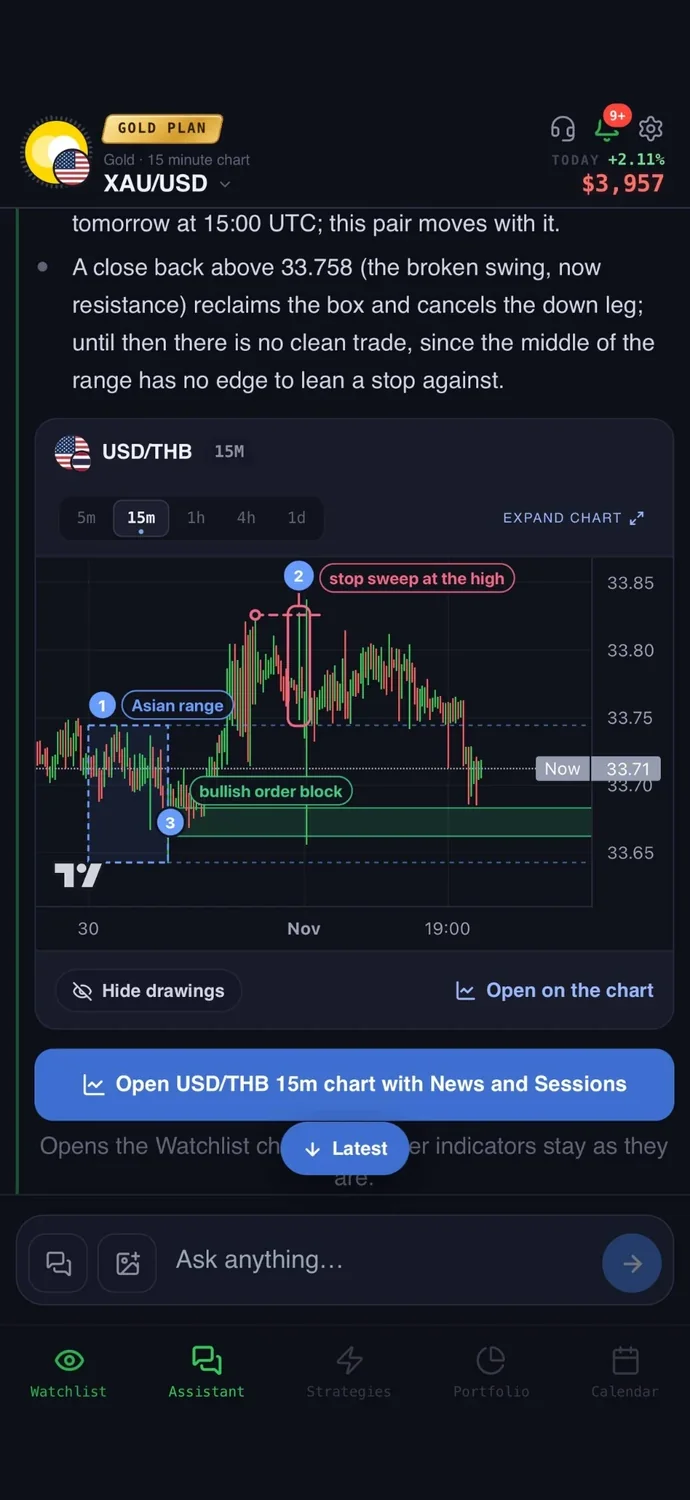
Mistakes that make a backtest look better than it is
- Fitting the rule to the past. If you keep tweaking settings until the past looks great, you may have built a rule that only memorised old prices. Repeated experimenting can produce overfitted strategies. Change one thing at a time and keep the rule simple.
- Ignoring spreads, fees and slippage. Some tools assume zero costs unless you set them. Real fills, spreads and fees can differ from the test, and they hurt most on short timeframes with many trades.
- Too few trades. A handful of winners can be luck. Small samples make any rule look better or worse than it is.
- Assuming you can always keep going. Some tests assume you can afford every next entry. A rule with a deep drawdown may be unrealistic if a real account would run out of money or patience first.
- Trusting simulated fills. Tools make assumptions about price movement inside a candle, and some chart types, such as Renko, can give results that do not reflect real market conditions. Test on standard candles.
7 tools to backtest without coding, at a glance
We compared 7 tools on the same checks. We make AiTradely, so it is on this list.
| Tool | How you describe a rule | Markets | After the test | Starting price |
|---|---|---|---|---|
| AiTradelyTurning a plain-words rule into alerts | Plain words in the strategy builder | Crypto, forex, gold and other commodities, stocks | Push and Telegram alerts when the rule fires | First questions and first trade plan at no cost, then paid plans priced by country |
| TrendSpiderChart traders wanting visual rules, alerts and bots | Point-and-click editor, plain English via its AI assistant, templates | Stocks, ETFs, futures, forex, crypto | Cloud alerts or no-code bots | From $32.94 per month (promotional price shown); a paid trial |
| TradingViewCharting, with ready-made strategies | Add built-in or community strategies; your own rules need Pine Script | Not stated | Alerts and Paper Trading | $0 Basic plan; paid from $12.95 per month, billed yearly |
| CoinQuantPlain English tests across several markets | Plain English, converted into editable rules | Stocks, ETFs, forex, commodities, crypto | Trade log download, PDF reports, alerts | Pro from $12.99 per week |
| CoinruleCrypto rule bots with a basic backtest | Visual if-then builder, 350+ templates | Crypto, stocks, ETFs | Automated trading through connected accounts, demo exchange | A free tier; Investor $29.99 per month |
| StratosUS stocks and ETFs in plain English | Plain English through its AI, or the Builder fields | US stocks and ETFs | Paper trading and alerts | A $0 tier; Starter $19 per month |
| TactfolioRule-based portfolio and ETF strategies | Visual block trees, or one sentence to an AI assistant | Not stated as a list, examples use US-listed ETFs | Follow on paper, or place orders in your own brokerage account | A $0 tier; Plus $12 per month |
Everything about the other tools comes from their own websites and store pages, checked on 9 November 2026. Prices and features change, so check the tool before you pay.
1. AiTradely: an AI assistant with a no-code strategy builder
What it is: an AI trading assistant on iPhone, Android and the web. You ask about a market in your own words, and it reads live prices, indicators, today's news and the economic calendar before it answers.
For backtesting: describe a rule in plain words, for example "buy gold when RSI drops below 30 on the 1h chart while price is above an EMA", and the strategy builder turns it into conditions and backtests it on real price history in seconds. Keep the rule switched on and you get a push and a Telegram message whenever it fires, so the test turns into alerts without any code.
Easy to start: sign in with Google or Apple and type your first question the way you would ask a friend who trades. There is no code to write and nothing to set up first.
Price: your first questions and your first trade plan are on us; after that, the paid Trader and Gold plans are priced by country (see the pricing page).
Keep in mind: it tests the markets AiTradely covers on five timeframes from 5 minutes to daily, not tick data, and how many strategies you can build each month depends on your plan. A backtest shows how a rule did in the past, not what it will do next.
2. TrendSpider: visual rules, alerts and bots
What it is: a no-code backtesting engine inside a charting platform, with web, iPhone and Android apps.
For backtesting: define entry, exit and risk rules with point-and-click menus or in plain English through its AI assistant. Results include win rate, average win and loss, maximum drawdown and a trade-by-trade ledger. A Trade Costs setting can model commissions and slippage.
Price: four plans, shown at promotional monthly prices from $32.94 to $74.90, each with a $7, 7-day trial. The page is inconsistent about the trial length, and plans differ in history depth and lowest timeframe.
Keep in mind: tests assume $0 fees and no slippage unless you set Trade Costs. Each test uses one timeframe, and options and index backtests are not supported.
3. TradingView: strong charts, but your own rules need code
What it is: a charting platform whose Strategy Report backtests strategies on a chart.
For backtesting: you can add built-in or community strategies from the Indicators menu with no code. Your own rules need Pine Script, its coding language. The report covers equity, drawdown, percent profitable and a list of trades, with commission and slippage settings. Bar Replay lets you step through past bars and trade by hand.
Price: a $0 Basic plan. Paid plans are $12.95, $29.95, $59.95 and $199.95 per month, billed yearly.
Keep in mind: its own pages show no no-code builder for custom rules. Default fills make assumptions about price movement inside a candle.
4. CoinQuant: plain English tests on many assets
What it is: a web backtesting and research tool, with iPhone and Android apps, where you describe an idea in plain English.
For backtesting: it turns the idea into rules you can read and edit. Results show every trade on a chart, with fees deducted, a comparison with simply holding, the worst drop and a 0 to 100 quality score. You can download the trade log.
Price: Pro is $12.99 per week, $39.99 per month or $399 per year. Elite starts at $69.99 per week.
Keep in mind: there is no free tier. Running any backtest needs a paid plan and credits, and unused credits do not roll over.
5. Coinrule: crypto bots first, backtest second
What it is: a trading bot platform with a visual if-then rule builder that connects to your own accounts.
For backtesting: you pick a strategy, budget and time horizon, and it compares the result with buy and hold. Over 350 templates can be adjusted. Other report contents are not stated.
Price: a free tier with limited rules and demo trading. Paid plans start at $29.99 per month (Investor), and the page lists fee details that conflict.
Keep in mind: it is built for running bots, so backtesting is a small part. Its figures are labelled illustrative simulations, and it is not available to users in the EU or EEA.
6. Stratos: US stocks and ETFs, in plain English
What it is: a web tool for backtesting US stock and ETF strategies without code, with research, a builder, testing and paper trading.
For backtesting: describe the rule to its AI or fill in the Builder fields. Results are measured against buy and hold with fees and slippage included. The Starter plan adds a full trade log with CSV export.
Price: a $0 tier with limits. Starter is $19 per month or $190 per year, with a 7-day trial.
Keep in mind: US stocks and ETFs only, so no forex, gold or crypto. Live broker execution is listed as coming soon.
7. Tactfolio: rule-based portfolios and ETFs
What it is: a research platform for building rules-based investing strategies and backtesting them on daily prices.
For backtesting: build with visual blocks or describe a strategy in one sentence to an AI assistant. Results show growth against a benchmark, the deepest drop and yearly returns, with trades assumed at the day's close and a cost per trade.
Price: a $0 tier where every save is public. Plus is $12 per month or $108 per year. Pro is $29 per month or $261 per year. Plus and Pro have a 14-day trial.
Keep in mind: daily prices only and geared to ETF and portfolio strategies. Forex and gold are not stated.
How to choose a no-code backtesting tool
- You want to go from a plain-words rule to alerts on crypto, forex, gold or stocks: AiTradely.
- You want visual rules on charts, plus alerts and bots: TrendSpider.
- You mainly want great charts and can live with ready-made strategies: TradingView.
- You want plain English tests across many assets and accept paying per week or month: CoinQuant.
- You want crypto rule bots with a simple backtest: Coinrule.
- You only trade US stocks and ETFs: Stratos.
- You build slow, daily, ETF-style portfolios: Tactfolio.
More comparisons: the best AI trading apps, AI trading bots vs assistants, TradingView alternatives, the best AI for stock trading, the best crypto trading apps, the best AI apps for MetaTrader 5, the best AI apps for cTrader and ChatGPT alternatives for trading.
Common questions
01Is backtesting reliable?
It is useful but limited. A backtest shows how a rule did on past data, and the tools themselves warn that strong past results do not guarantee future ones. Costs, fills and overfitting can all make the test look better than real trading.
02Can I backtest on my phone?
Yes, with some tools. TrendSpider, CoinQuant and AiTradely have phone apps, and no-code tools generally let you describe the rule by typing. Check the tool's store page for your device.
03How many trades do I need?
There is no magic number, but a few trades prove nothing. Aim for enough trades, spread over rising, falling and sideways markets, that one lucky streak cannot explain the result. Dozens is a sensible minimum, more is better.
04Do I need to know how to code to backtest?
No. No code backtesting tools let you describe the rule in plain words or with menus. Code is only needed for unusual rules, such as custom scripts in TradingView.
How to backtest in AiTradely
- Sign in with Google or Apple.
- Open the strategy builder and describe your rule in plain words, with the market and timeframe, for example gold on the 1h.
- Read the backtest: the number of trades and the win rate, then judge them with the checks above.
- If the rule holds up, switch it on to get a push and a Telegram message whenever it fires.
After that, forward test the rule on a demo account before you risk money. The strategy builder and its alerts are where you can keep refining one rule at a time, and the position size calculator helps you decide how much to risk on each alert, while you place every trade yourself.
Nothing here is financial advice. A backtest only describes the past, and a rule that looked solid on old prices can still lose money in live markets.
 AiTradelyYour AI trading analyst, in your pocketAI analysis for gold, forex and stocks. Build and backtest strategies, get signals, and trade from your own broker account.
 On your phoneScan for the app