The best crypto trading app depends on the job you need done, and this list does not rank exchanges. It compares the apps a crypto trader uses around an exchange: to chart, track, research, get alerts and automate. You buy and sell on an exchange you choose, so check that it is regulated or registered where you live before you put money in. The apps below help you decide what to do before and after that step.
The best crypto trading apps at a glance
We compared 7 apps on the same checks. We make AiTradely, so it is on this list.
| App | Platforms | Alerts | AI | Trades or bots | Starting price |
|---|---|---|---|---|---|
| AiTradelyPlain-language trade plans and rule alerts | iPhone, Android, web | Yes, push and Telegram | Yes, built in | No bots; you place trades | First questions and first plan on us, then paid plans by country |
| TradingViewDeep charting and custom alerts | Web, desktop, iPhone, iPad, Android | Yes, 3 to 1,000 by plan | Paid add-on, not on phone yet | Paper trading; trades via connected brokers | $0 Basic; paid from $12.95 a month, billed yearly |
| CoinGeckoMarket data and simple portfolios | Web, iPhone, iPad, Android | Yes | Gecko AI chat | No | A free tier; Premium $10 a month |
| CoinStatsTracking all wallets and exchanges | Web, iPhone, iPad, Mac, Android | Yes | Yes | No bots; read-only exchange keys | A free tier; Premium from $13.99 a month on the website |
| 3CommasRunning bots on your own exchange account | Web, iPhone, Android | Account alerts, not a price-alert app | Yes | Bots and manual terminal | From $15 a month, likely billed yearly |
| AltradyActive traders using several exchanges | Desktop, web, iPhone, iPad, Android | Yes, 50 to 1,000 price alerts | Yes, some features coming | Bots and smart orders | From EUR 20 a month, billed yearly |
| CryptohopperCustomizable bots with paper trading first | Web, iPhone, iPad, Android | Not stated | Top plan only | Bots | From $24.16 a month, billed yearly |
Everything about the other apps comes from their own websites and store pages, checked on 9 November 2026. Prices and features change, so check the app before you pay.
How we compared them
We asked the same questions of every app:
- What job does it do for a crypto trader: charts, tracking, plans or bots?
- Can it alert you when price or a condition is met?
- Does it have AI, and where is it available?
- Does it need your exchange keys, and what do its own pages say about withdrawals?
- What does it cost, and per what period?
1. AiTradely: an AI analyst you ask in plain words
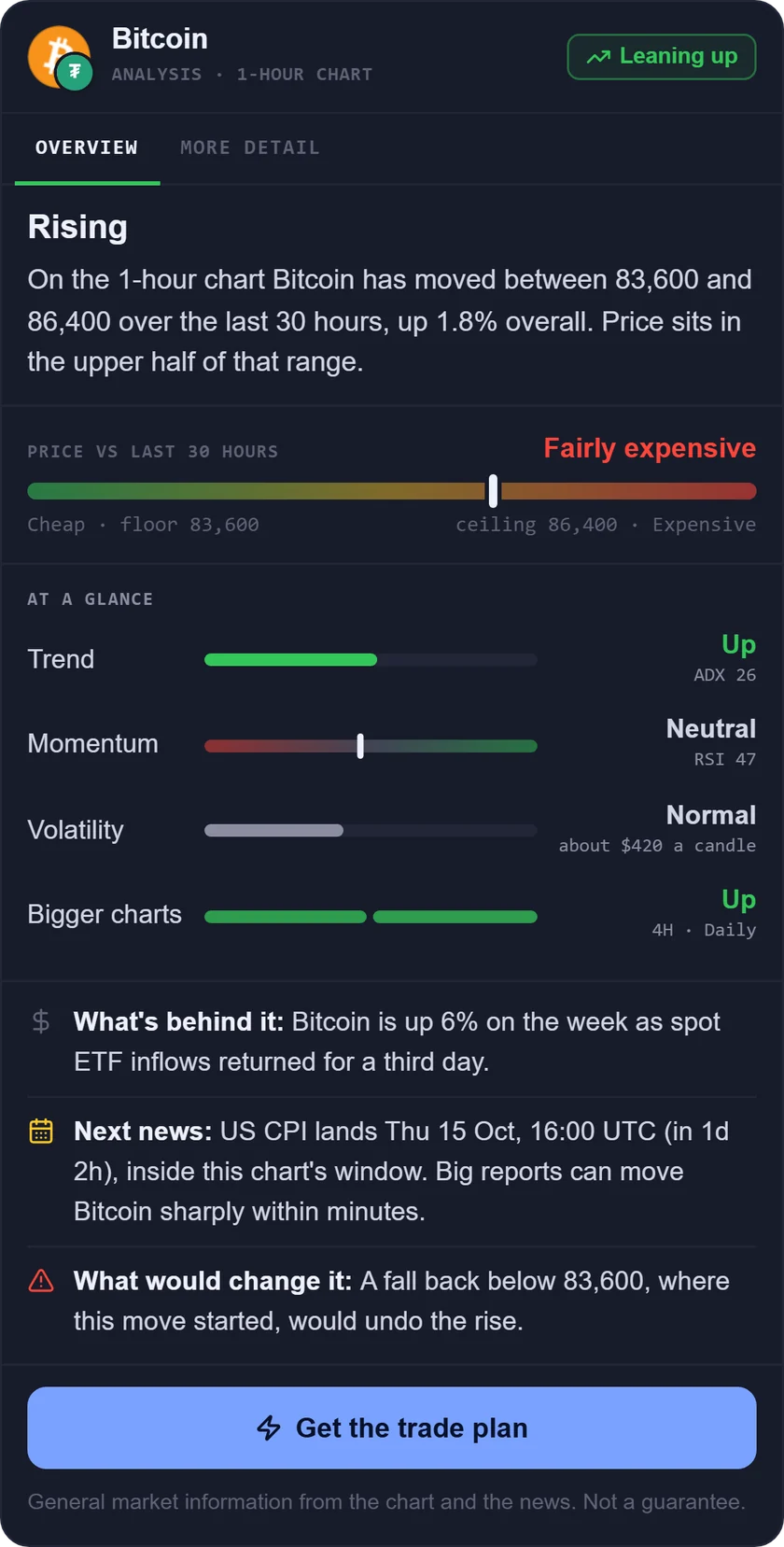
What it is: an AI trading assistant on iPhone, Android and the web. You ask about a market in your own words, and it reads live prices, indicators, today's news and the economic calendar before it answers.
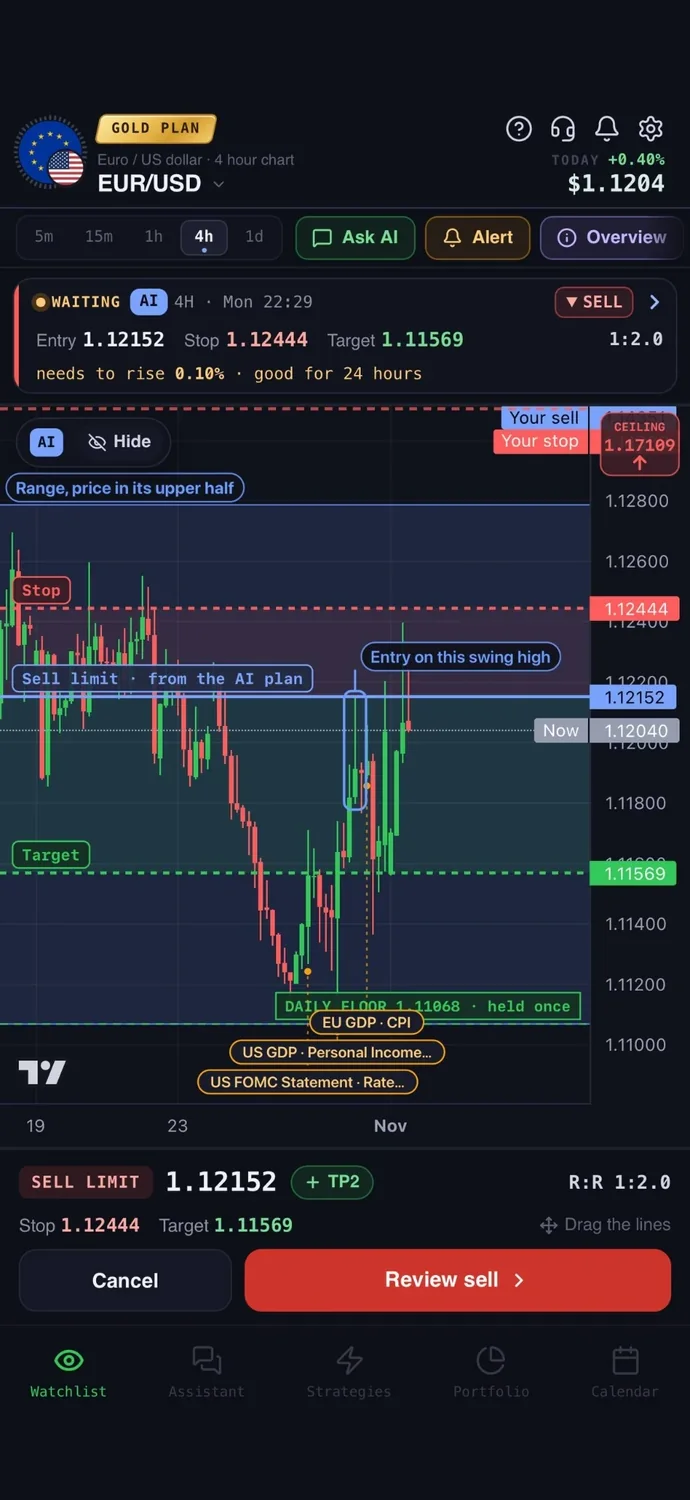
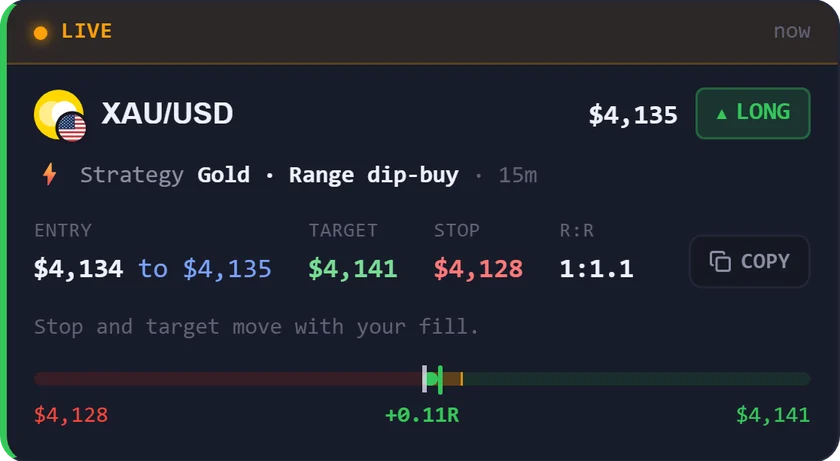
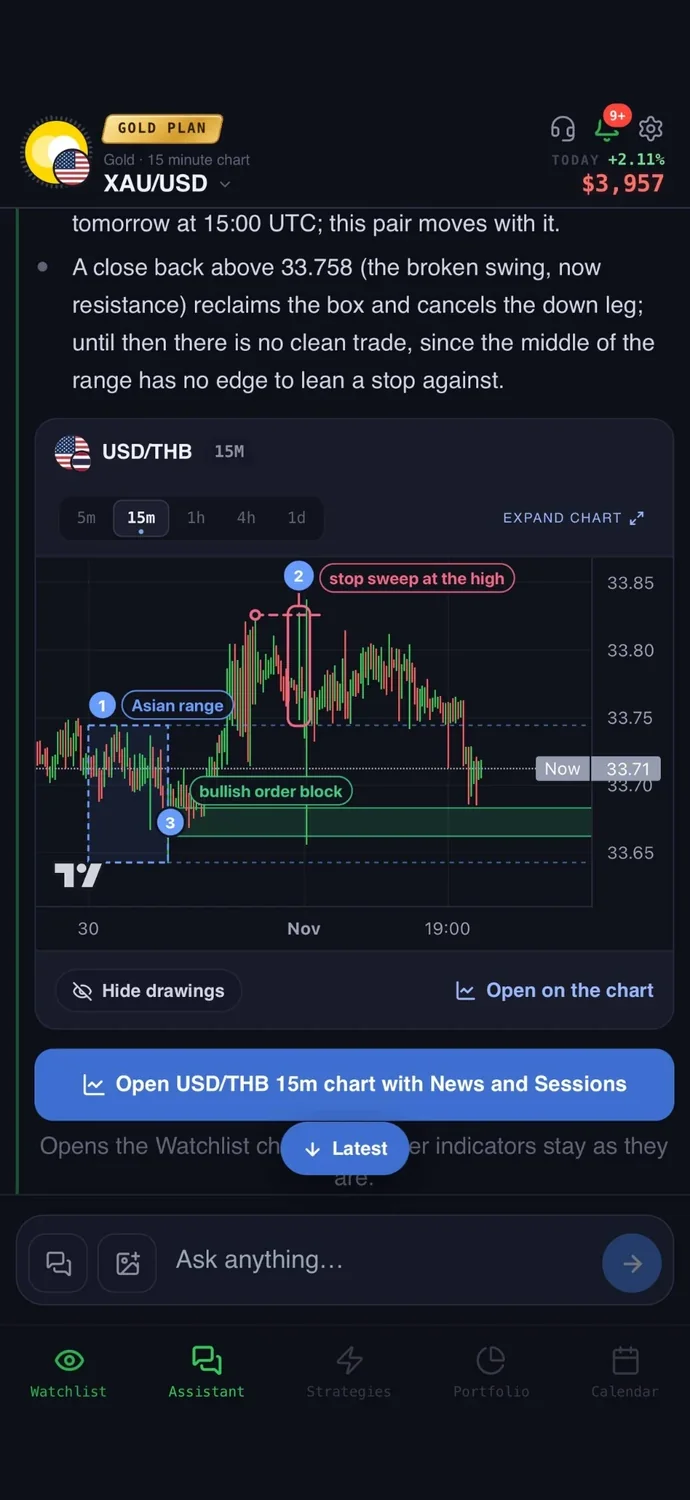
For crypto: crypto never closes, so nobody can watch every chart. Ask about Bitcoin, Ethereum or another major coin in plain words and get a plan with an entry, a stop loss and a take profit, with the reasons written out. Describe a rule once in the strategy builder, test it on past prices, and get a push and a Telegram message when it fires, at any hour. It never asks for your exchange keys, because it never trades on its own.
Easy to start: sign in with Google or Apple and type your first question the way you would ask a friend who trades. There is no code to write and nothing to set up first.
Price: your first questions and your first trade plan are on us; after that, the paid Trader and Gold plans are priced by country (see the pricing page).
Keep in mind: it covers about 30 major coins rather than every token, and you buy and sell on your own exchange. It is an analysis tool, not a robot, and it never places a trade without your confirmation.
2. TradingView: charting for any market
What it is: a charting and analysis platform for stocks, currencies, crypto and more, with a social side and an optional AI assistant.
For crypto: it has a coins screener, a trading-pair screener across 40+ centralized exchanges, a DEX screener, heatmaps and on-chain data sets. Alerts can be built from chart drawings or combine up to five settings, and can fire webhooks that other tools act on.
Price: $0 for Basic. Paid plans start at $12.95 a month, billed yearly. Buying in the phone app can cost more than the website rate.
Keep in mind: Basic allows 2 indicators per chart and 3 price alerts. It is not a crypto-only product, and the AI assistant is a paid extra, not on the mobile apps yet.
3. CoinGecko: market data and simple portfolios
What it is: a crypto price and market data platform with a portfolio tracker and an AI chat for market questions.
For crypto: it compares a coin against Bitcoin or Ethereum on one graph, groups coins into categories such as memecoins and Layer 2, and shows trending coins and top gainers. The app sets one-time or recurring price alerts. It does not place trades.
Price: a free tier. Premium is $10 a month, or $99.90 a year, with a 14-day trial.
Keep in mind: the free tier tracks only 2 wallets and gives a one-time allowance of 7 AI chats. Its mobile page does not describe charts, so chart depth in the app is not stated.
4. CoinStats: every wallet and exchange in one view
What it is: a crypto portfolio tracker that pulls in wallets and exchange accounts, with profit and loss, alerts, news and an AI assistant.
For crypto: exchange accounts connect by read-only API keys. Its page says this access cannot make changes or move funds. You get price, volume or market-cap alerts, cost basis and tax-report export. It has no bots.
Price: a free tier. Premium is from $13.99 a month on the website, with a 7-day trial.
Keep in mind: its website and store listing show different prices, and the free tier limits portfolios and transactions. Alert limits per plan are not stated.
5. 3Commas: bots on your own exchange account
What it is: a crypto bot platform with DCA, grid and signal bots and a manual trading terminal. It is software only and works on your own exchange accounts.
For crypto: bots trade automatically once your conditions are met. It connects through an exchange sign-in or manual API keys with a limited scope of permissions. Its home page says it cannot withdraw your funds. It offers backtesting and a demo account.
Price: Starter $15 a month, Pro $38, Expert $105. The page does not label the period, but the savings notes suggest yearly billing.
Keep in mind: bots can lose money like any trading. Its own pages disagree on whether there is a $0 plan, so check before you sign up.
6. Altrady: a multi-exchange trading terminal
What it is: trading software that puts scanning, charting, orders, bots, paper trading, backtesting and a journal in one workspace. It says it is not an exchange or wallet.
For crypto: it connects by exchange API keys only. Its pricing page says it never requests withdrawal permissions and supports read-only keys and IP whitelisting. It has six bot types and smart orders that combine entry, stop and take profit with a risk preview.
Price: Basic from EUR 20 a month billed yearly, or EUR 28 monthly. There is a 5-day trial.
Keep in mind: its home page and pricing page differ on the number of supported exchanges. Some AI features are marked coming soon.
7. Cryptohopper: a customizable cloud bot
What it is: a cloud crypto trading bot that runs 24/7 on your exchange accounts, with strategies, signals, copy trading and a marketplace.
For crypto: it connects with exchange sign-in or API keys. Its pricing page says it will never ask for withdrawal rights. Backtesting, paper trading and a strategy designer come on all plans, so you can test before using money.
Price: Explorer $29 a month, or $24.16 billed yearly. Higher plans cost more.
Keep in mind: plans cap coins and open positions. Explorer allows 15 coins. Trading with bots carries real risk, and dedicated price alerts are not stated.
How to choose the best crypto trading app
- You want a plain-language plan with an entry, stop and target, and alerts: AiTradely.
- You want the deepest charts and custom alerts: TradingView.
- You want market data and a simple portfolio: CoinGecko.
- You want every wallet and exchange in one view: CoinStats.
- You want bots on your own exchange account: 3Commas.
- You trade across several exchanges from one screen: Altrady.
- You want a bot you can test on paper first: Cryptohopper.
More comparisons: the best AI trading apps, the best AI apps for gold trading, TradingView alternatives, ChatGPT for trading vs AI apps, the best forex trading apps, the best trading apps for beginners, the best gold trading apps, the best AI for stock trading, the best trading journal apps, AI trading bots vs assistants, backtesting without coding and ChatGPT alternatives for trading.
Common questions
01What is the best crypto app for beginners?
Start with market data and simple portfolios, such as CoinGecko, which has a tier that costs nothing, or an assistant like AiTradely. Avoid bots until you understand risk, and use paper trading first where it is offered.
02Is there a best app to buy crypto?
This list does not cover that, because buying happens on an exchange. Choose one that is regulated or registered where you live, then use the apps here to research and set alerts.
03Do crypto trading apps need my exchange keys?
Bot apps and some trackers do, through API keys or an exchange sign-in. 3Commas says it cannot withdraw your funds, Altrady and Cryptohopper say they never ask for withdrawal rights, and CoinStats connects read-only. Still, create keys with trade-only or read-only permissions. AiTradely never asks for exchange keys.
04Can I try a crypto trading app with a demo?
Some can. TradingView offers paper trading, Altrady and Cryptohopper include paper trading, and 3Commas offers a demo account.
How to plan a crypto trade in AiTradely
- Sign in with Google or Apple.
- Ask in your own words, for example: "Is Bitcoin a buy on the 4h chart? Give me an entry, stop and target."
- Read the plan and the reasons written beside it. Check that the stop sits where you would accept being wrong. A position size calculator helps you decide how much to risk.
- Tap "Alert me" to be told when price reaches the entry, or place the order yourself on your own exchange.
The plan is a starting point, not an instruction. If you want to go further, the strategy builder lets you describe a rule such as an RSI condition, test it on past prices, and get an alert when it fires. Read the risk/reward ratio guide first, then ask about the coin you follow and see what the app suggests.
Nothing here is financial advice. Crypto prices can move sharply at any hour, and bots or leverage can magnify losses beyond what you expected.
 AiTradelyYour AI trading analyst, in your pocketAI analysis for gold, forex and stocks. Build and backtest strategies, get signals, and trade from your own broker account.
 On your phoneScan for the app