
The best AI apps for MetaTrader 5 fall into three groups. Some run inside the MetaTrader 5 terminal, such as the built-in assistant or an Expert Advisor (an EA, a program that trades by rules) you buy. Some connect to your account from outside, as a phone app or a journal. Some, like a general chatbot, write MQL5 code (the language MetaTrader 5 uses) that you install yourself. The right MT5 AI tool is the one whose way of working fits yours.
The best AI apps for MetaTrader 5 at a glance
We compared 7 apps on the same checks. We make AiTradely, so it is on this list.
| App | How it works with MT5 | What the AI does | Places trades | Starting price |
|---|---|---|---|---|
| AiTradelyPlans and analysis from your phone, with your own confirmation | Connects your account from outside (Gold plan) | Reads live prices, indicators, news and your positions; builds trade plans | Only after you confirm | First questions and first plan at no cost, then paid plans priced by country |
| MetaTrader 5 AI AssistantAnalysing your own account and testing EAs | Built into the terminal | Analyses prices, history and positions; tests EAs; codes in MetaEditor | Yes, after you allow it | $0, per MetaQuotes' article |
| Autorithm AIHands-off automated trading on H1 | EA inside the terminal | Ten "AI layers" for trade decisions | Yes, automatically | 299 USD one-time (listing says it rises) |
| TradesVizReviewing past trades with AI | Separate service, imports trades | AI Q&A, summaries, coach, daily brief | No | $0 Basic; Pro $19.99 per month |
| PineConnectorTurning TradingView alerts into MT5 orders | EA in your terminal, or hosted | None (not an AI tool) | Yes, when an alert fires | Core $59 per month |
| Profit AIScreenshot chart analysis and journaling on iPhone | Separate app, journal sync | Reads chart screenshots, journal insights | No | $0 download; in-app purchases from $7.99 a week |
| ClaudeDrafting custom MQL5 code | Writes code you install yourself | General AI, coding help | Not stated | $0; Pro $20 a month, billed monthly |
Everything about the other apps comes from their own websites and store pages, checked on 9 November 2026. Prices and features change, so check the app before you pay.
How we compared them
We asked the same questions of every app:
- Does it run inside the terminal, connect from outside, or write code for you?
- What does the AI actually do: analyse, explain, write code or place orders?
- Can it place trades, and who has to approve them?
- What does it cost, and per what?
- What is the honest limit?
1. AiTradely: an AI analyst you ask in plain words
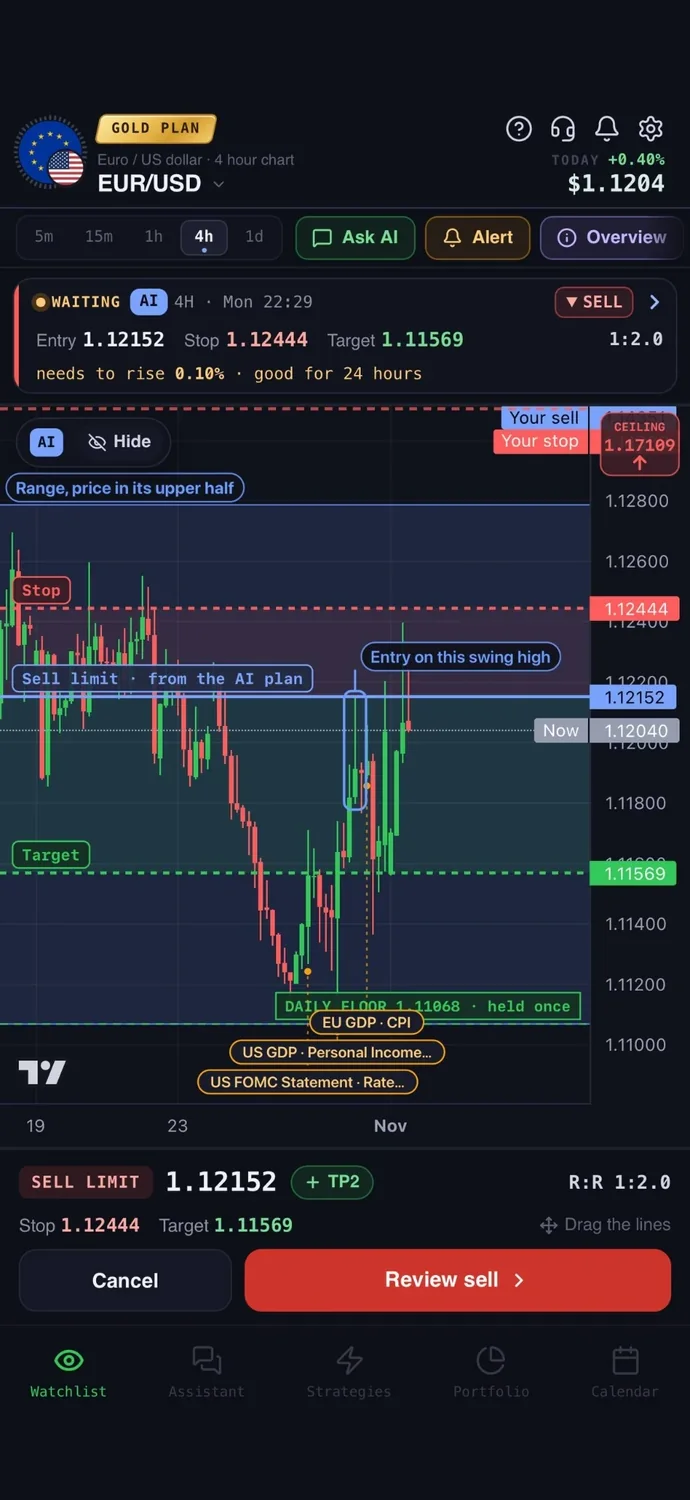
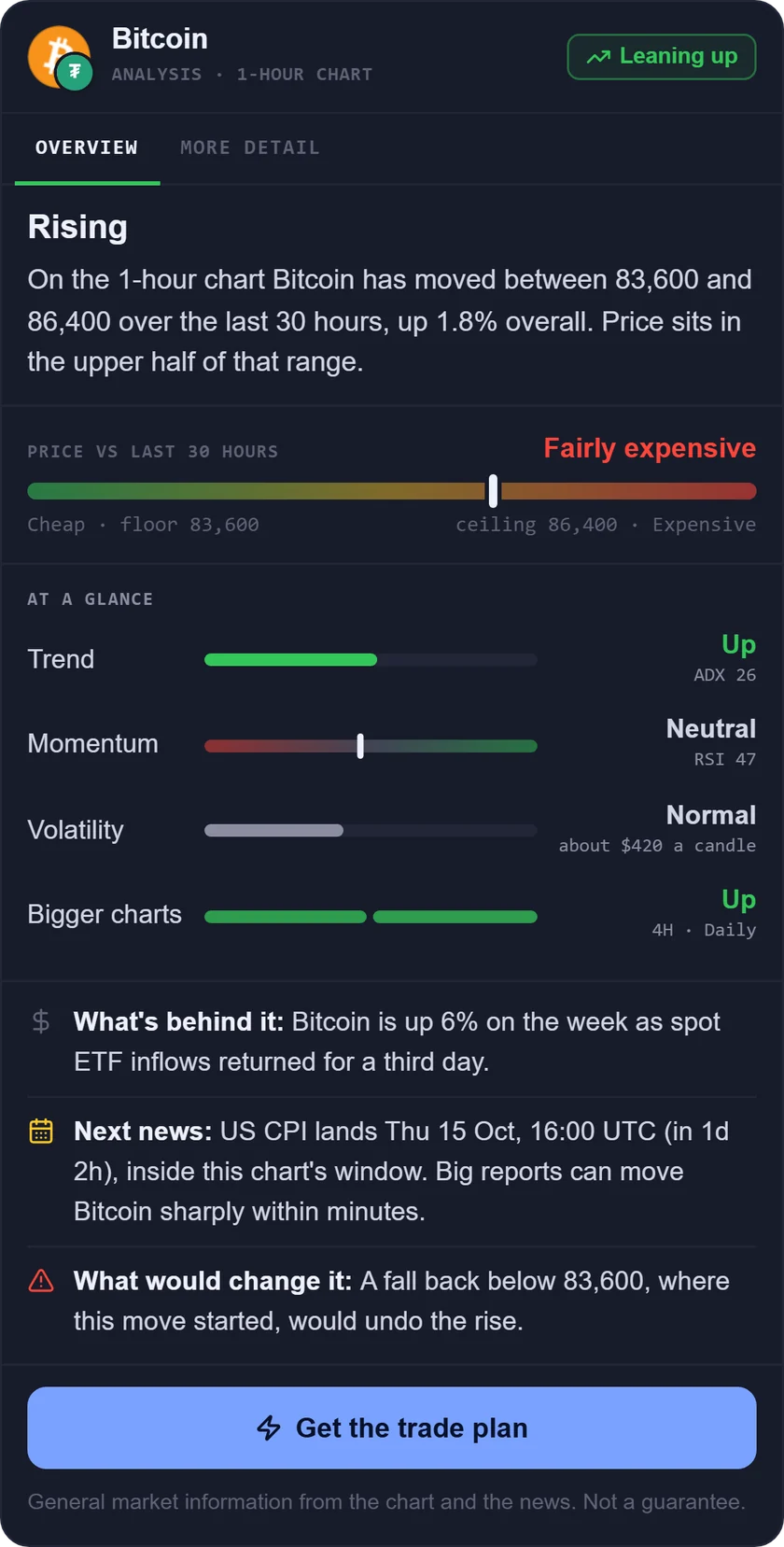
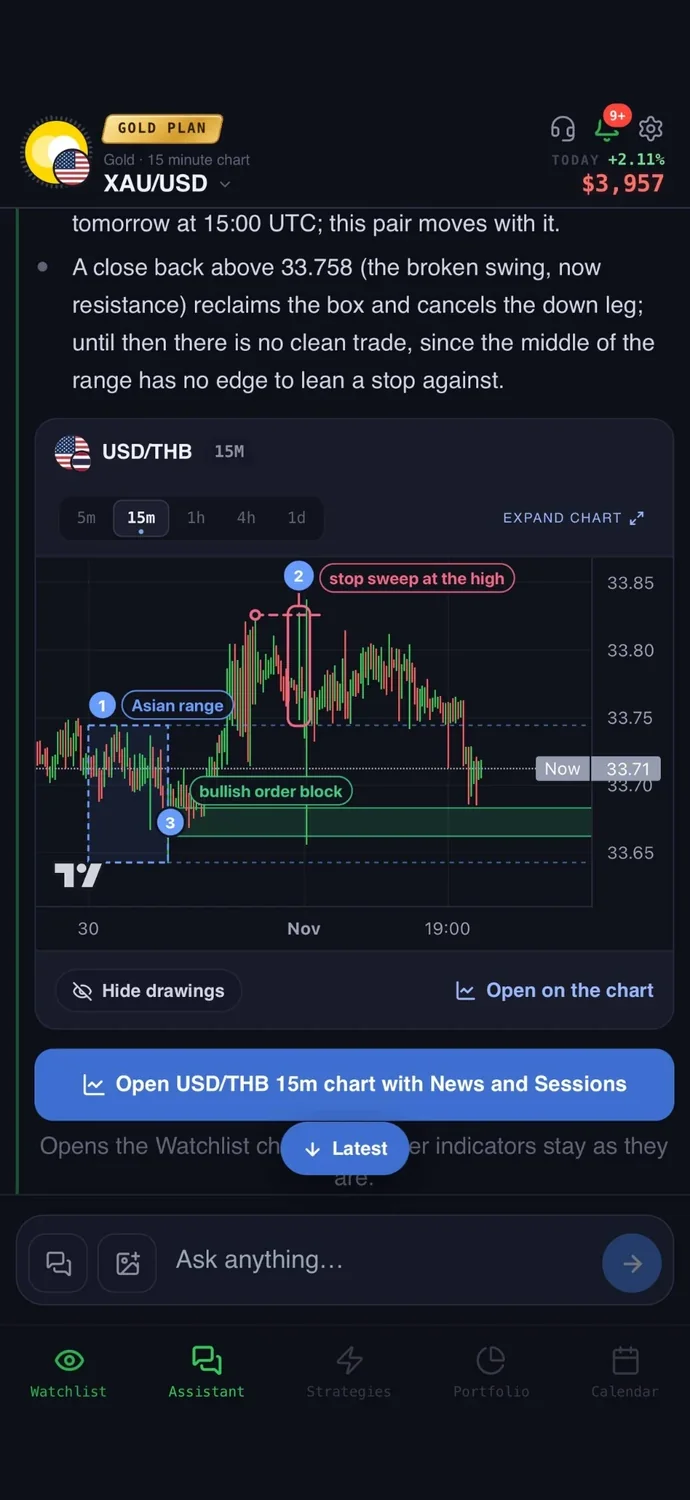
What it is: an AI trading assistant on iPhone, Android and the web. You ask about a market in your own words, and it reads live prices, indicators, today's news and the economic calendar before it answers.
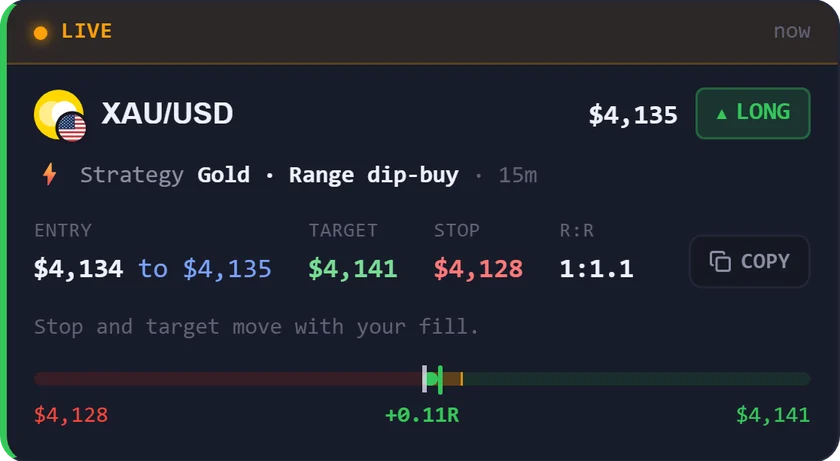
With MetaTrader 5: most AI tools for MetaTrader 5 run inside the terminal as an Expert Advisor, or need you to write one. AiTradely works from your phone or the web instead: connect your MetaTrader 5 account on the Gold plan, and the AI sees your open positions and balance while it reads live prices, indicators and the news. Each plan has an entry, a stop loss and a take profit; you set your risk in dollars, the lot size is calculated for you, and the order reaches your account only after you confirm it. Your master password lets you place trades; your investor password gives a read-only view. Neither password can move money.
Easy to start: sign in with Google or Apple and type your first question the way you would ask a friend who trades. There is no code to write and nothing to set up first.
Price: your first questions and your first trade plan are on us; after that, the paid Trader and Gold plans are priced by country (see the pricing page).
Keep in mind: the MetaTrader 5 connection is on the Gold plan, and AiTradely is not an Expert Advisor: it does not run inside your terminal and does not trade while you are away. It is an analysis tool, not a robot, and it never places a trade without your confirmation.
2. MetaTrader 5 AI Assistant: built into the terminal
What it is: an AI agent inside the MetaTrader 5 terminal, plus a coding assistant in MetaEditor, driven by plain-language commands through the Model Context Protocol (MCP).
With MetaTrader 5: it runs in the terminal, so there is nothing to connect. It needs the latest MetaTrader 5 and a sign-in to your MQL5.community account. It analyses prices and history, examines open positions, scans instruments and helps test and optimize EAs.
Price: $0, according to MetaQuotes' article. Costs for optional outside models are not stated.
Keep in mind: agents can open, close and modify orders if you allow it, and you choose which abilities it has. The page warns results may contain errors.
3. Autorithm AI: a paid Expert Advisor
What it is: an Expert Advisor sold on the MQL5 Market, described as using ten AI layers to make trade decisions.
With MetaTrader 5: it runs inside the terminal, attached to an H1 chart. The listing asks for a $50 minimum balance, a Standard or ECN account and leverage of at least 1:100.
Price: 299 USD one-time for the first copies, and the listing says the price rises as more are sold. A demo is offered.
Keep in mind: the listing says backtests use a fixed pre-trained dataset, so they may look static. It uses martingale-style position management (trade sizing that grows after losses), and it has no general loss warning. Prices may have changed.
4. TradesViz: a journal with AI questions
What it is: a trading journal that imports MetaTrader 5 trades and adds AI Q&A, trade summaries, a coach and a daily brief.
With MetaTrader 5: it is a separate service. You connect with an investor password, use FTP auto-import, or install a lightweight sync EA. It says it never has write or execution permissions.
Price: Basic is $0 (stock assets only, no AI features listed). Pro is $19.99 per month, or $14.99 per month billed annually. Forex is on Pro and above.
Keep in mind: established auto-sync runs once every 24 hours, so it is not live. It reviews the past, it does not plan the next trade.
5. PineConnector: a bridge, not an AI
What it is: an order-routing tool that sends TradingView alerts to a MetaTrader 5 account. Its page does not mention AI, so it is here only as a non-AI option.
With MetaTrader 5: you run its EA in your own terminal on a PC or VPS (a rented always-on computer), or use Edge, where it hosts MetaTrader 5 for you.
Price: Core is $59 per month, Plus $129 and Pro $199, all billed monthly. TradingView is a separate cost.
Keep in mind: it only routes orders. The strategy or alert logic comes from you, and it places trades automatically whenever an alert fires.
6. Profit AI: chart screenshots and a journal
What it is: an AI assistant for chart analysis, journaling and review, on iPhone and the web.
With MetaTrader 5: it is a separate app. MetaTrader 5 trades can sync into the journal, or you can use CSV import or manual entry. How the sync works is not stated.
Price: the App Store lists a $0 download with in-app purchases, from $7.99 weekly to $49.99 yearly, with no currency stated. The website shows no prices.
Keep in mind: it says it is educational only and does not place trades. Screenshots must show the symbol, timeframe and price scale.
7. Claude: a helper for writing MQL5 code
What it is: a general AI assistant that traders use to draft Expert Advisors, indicators and scripts in MQL5. Its pricing page does not mention MetaTrader 5.
With MetaTrader 5: it is separate from the terminal. You compile what it writes in MetaEditor and install it yourself.
Price: $0 with usage limits. Pro is $20 per month billed monthly, or $17 per month on annual billing. Claude Code is not on the $0 plan.
Keep in mind: the code is not tested for you. Backtest it in the Strategy Tester and read it before using real money.
How to choose the right AI apps for MetaTrader 5
- You want an AI inside the terminal to review your account and test EAs: MetaTrader 5 AI Assistant.
- You want an AI assistant on your phone that builds a plan and waits for your confirmation: AiTradely.
- You want a ready-made EA that runs on its own, and accept the martingale risk: Autorithm AI.
- You want AI feedback on trades you already made: TradesViz.
- You already use TradingView alerts and need them to reach MT5: PineConnector.
- You want to upload chart screenshots on an iPhone: Profit AI.
- You want help writing your own MQL5 code: Claude.
More comparisons: the best AI trading apps, the best forex trading apps, the best AI apps for gold trading, the best gold trading apps, AI trading bots vs assistants, the best AI apps for cTrader, backtesting without coding and the best trading journal apps.
Common questions
01Does MetaTrader 5 have a built-in AI?
Yes. MetaQuotes describes an AI assistant in the terminal and a coding assistant in MetaEditor. It needs the latest MetaTrader 5 and an MQL5.community sign-in.
02Is an AI Expert Advisor the same as an AI assistant?
No. An Expert Advisor runs inside the terminal and can place trades by itself. An assistant answers questions and builds plans, and you decide what to do. The difference is covered in AI trading bots vs assistants.
03How do TradesViz, Profit AI and PineConnector connect to MetaTrader 5?
TradesViz and Profit AI import MetaTrader 5 trades into a journal. PineConnector routes TradingView alerts to a MetaTrader 5 account.
04Can Claude write an Expert Advisor for MetaTrader 5?
It can draft MQL5 code for an Expert Advisor, an indicator or a script. You compile it in MetaEditor, test it in the Strategy Tester and install it yourself, so read and test the code before using real money. See ChatGPT for trading vs AI apps for what general chat assistants can and cannot do.
How to use AiTradely with MetaTrader 5
- Sign in with Google or Apple. Connecting a MetaTrader 5 account is on the Gold plan, and the app's MetaTrader 5 page explains the setup.
- Ask in your own words, for example: "What is the setup on gold on the 1h chart?"
- Read the plan: an entry, a stop loss and a take profit, with the reasoning written out. Set your risk in dollars and check the lot size it calculates, or compare it with the position size calculator.
- Tap "Alert me" to be told when price reaches the entry, or place the order yourself after you confirm it.
If you want to keep going, ask the AI about the next asset you watch and set a risk in dollars before you look at the lot size. Then use the plan's stop and target to judge whether the trade is worth taking, and confirm the order yourself on your MetaTrader 5 account.
Nothing here is financial advice. Automated Expert Advisors and AI-written code can lose money fast, so test them in the Strategy Tester and on a demo account before using real funds.
 AiTradelyYour AI trading analyst, in your pocketAI analysis for gold, forex and stocks. Build and backtest strategies, get signals, and trade from your own broker account.
 On your phoneScan for the app